Windows Setup
Follow these steps to connect your Windows device to the SFCollege Wi-Fi network.
Important: Use your SF ID (8-digit number) and your password when prompted.
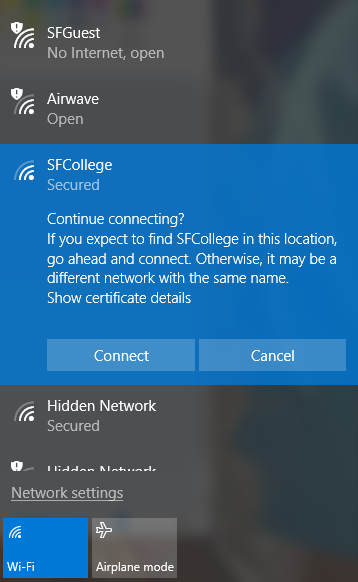
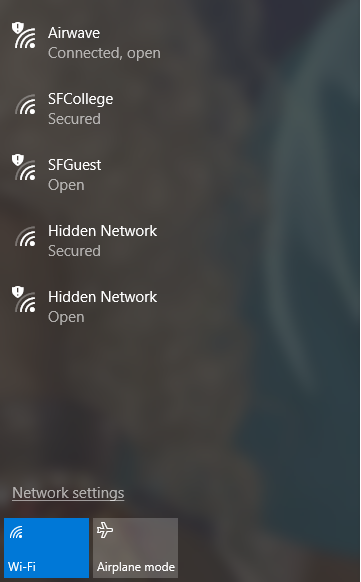
Step 1: Select the network
Click SFCollege from the list of available wireless networks.
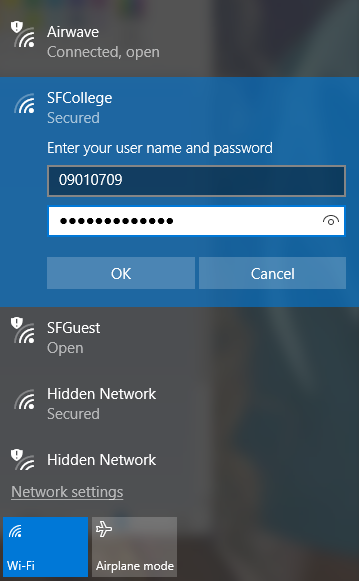
Step 2: Enter your credentials
Enter your SF ID (8-digit number) and password.
Step 3: Connect
Click Connect to join the network.