Mac Setup
Follow these steps to connect your Mac to the SFCollege Wi-Fi network.
Important: Use your SF ID (8-digit number) and your SF password when prompted.
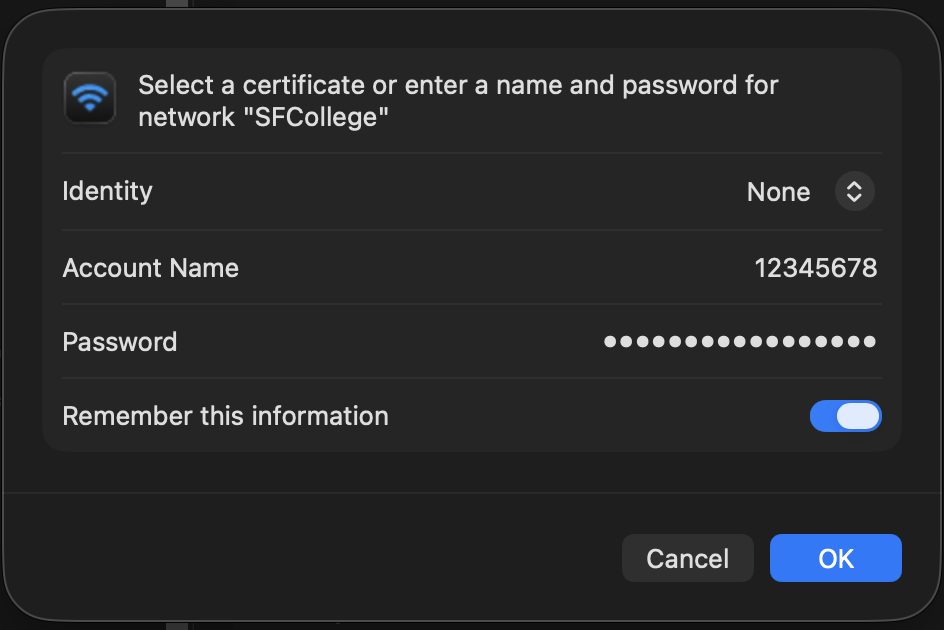
Step 1: Sign in
When prompted, enter your SF ID (8-digit number) and password, then click Join.
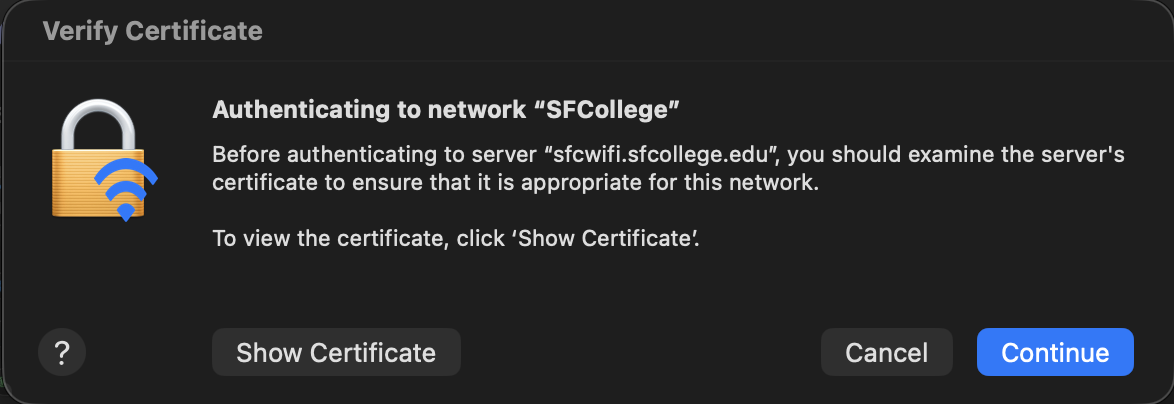
Step 2: Trust the certificate
Review the certificate prompt and click Continue to finish connecting.